We drove out to the sea cliffs near Pescadero Beach this morning to see if we could spot some whales. We lost the sun on the way over but we did get to see what I think were gray whales as they swam near us for a while:
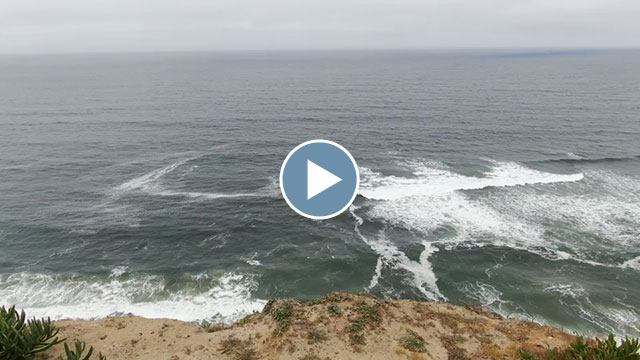
We drove out to the sea cliffs near Pescadero Beach this morning to see if we could spot some whales. We lost the sun on the way over but we did get to see what I think were gray whales as they swam near us for a while:
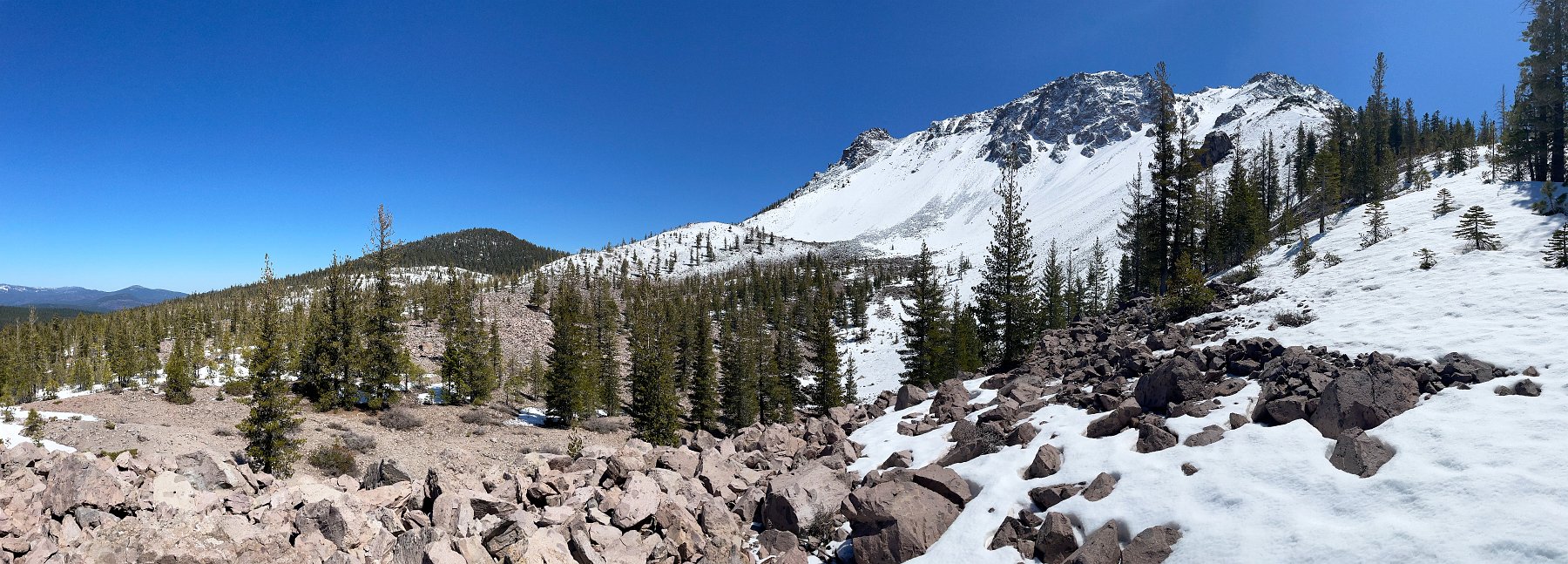
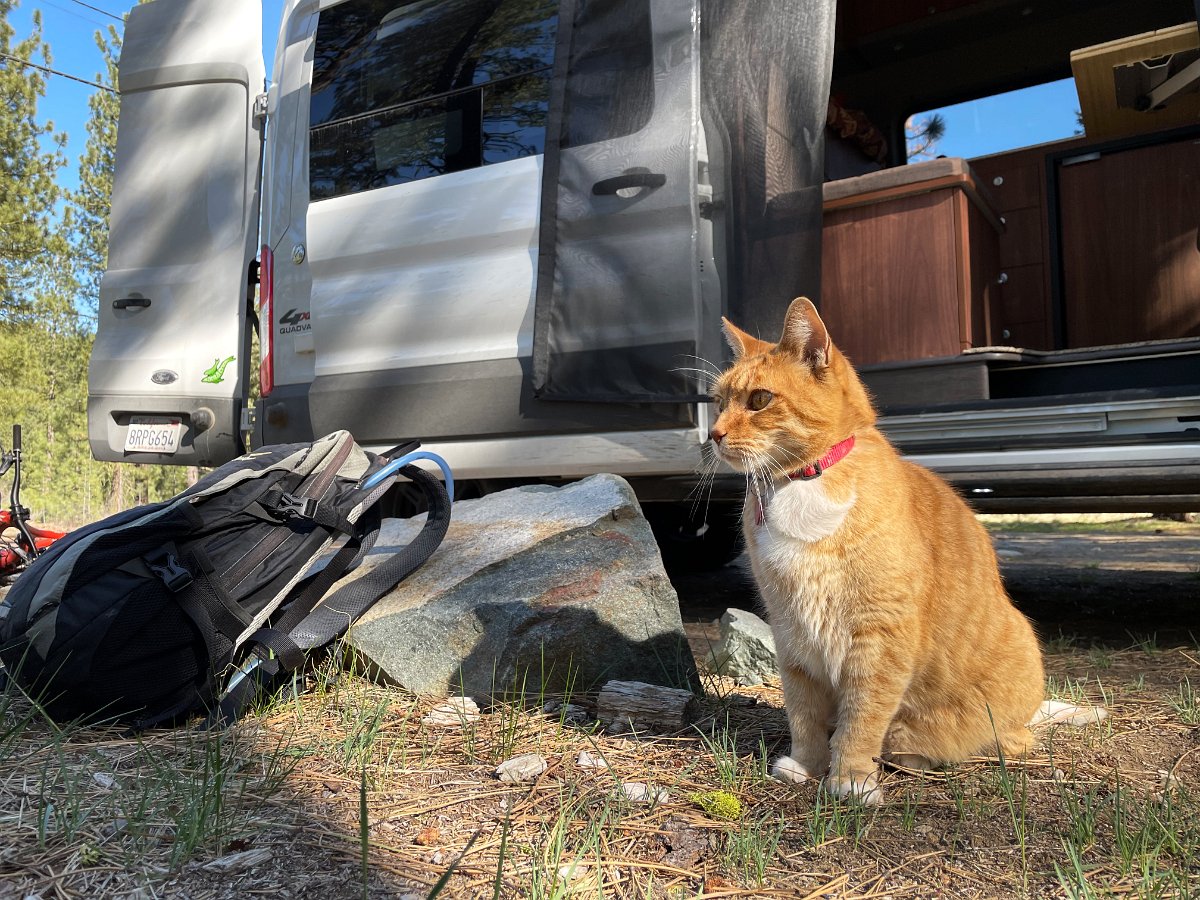
After a couple of days layover in Tahoe to ski some new snow and repair the van (a badly installed anti-sway bar), we headed off again – north this time towards Lassen National Park. Along the way, we spent an afternoon riding as far as we could (before being turned back by snow) up the Mills Peak Lookout trail near Greagle, checked out the Subway Cave near Old Station, wandered around some rough forest roads, visited Burney Falls – and in Burney I was finally able to snag a covid vaccination shot!
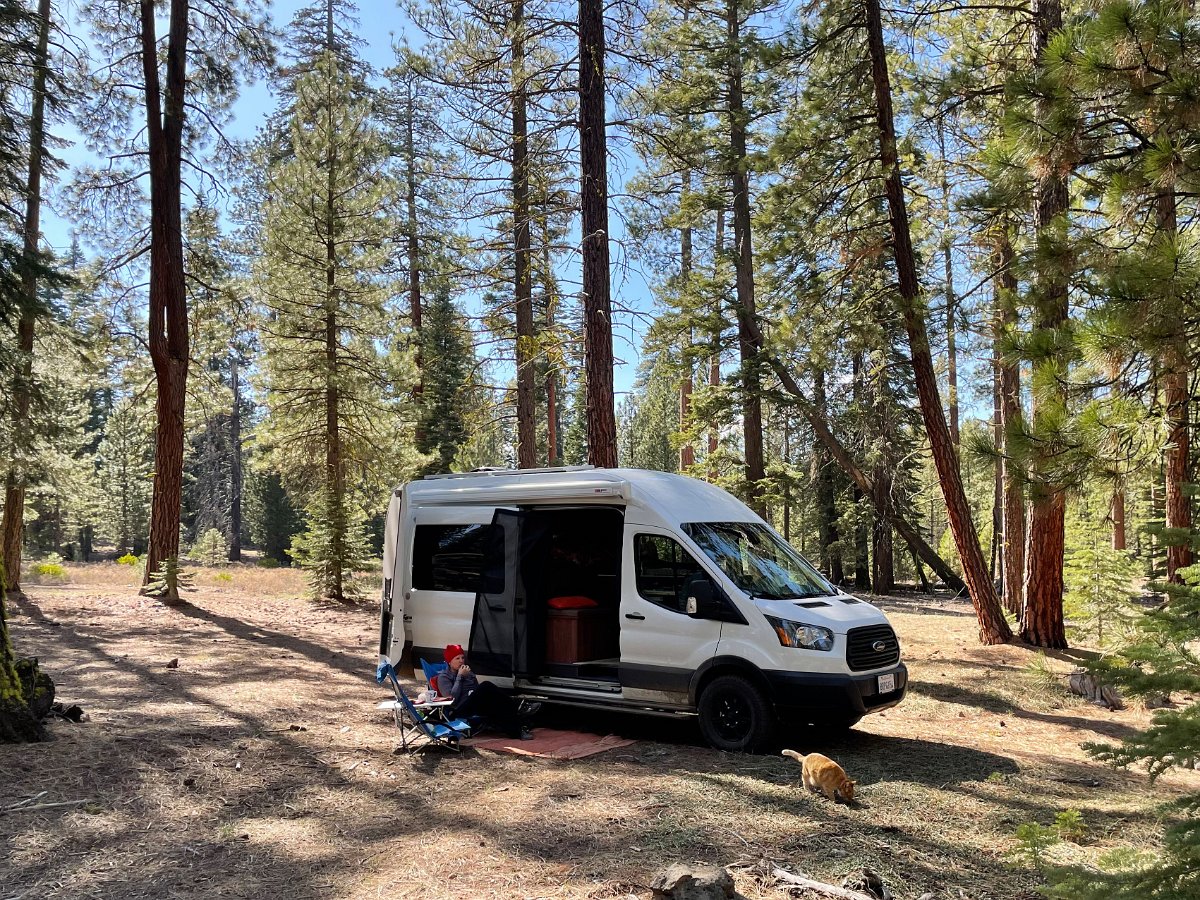
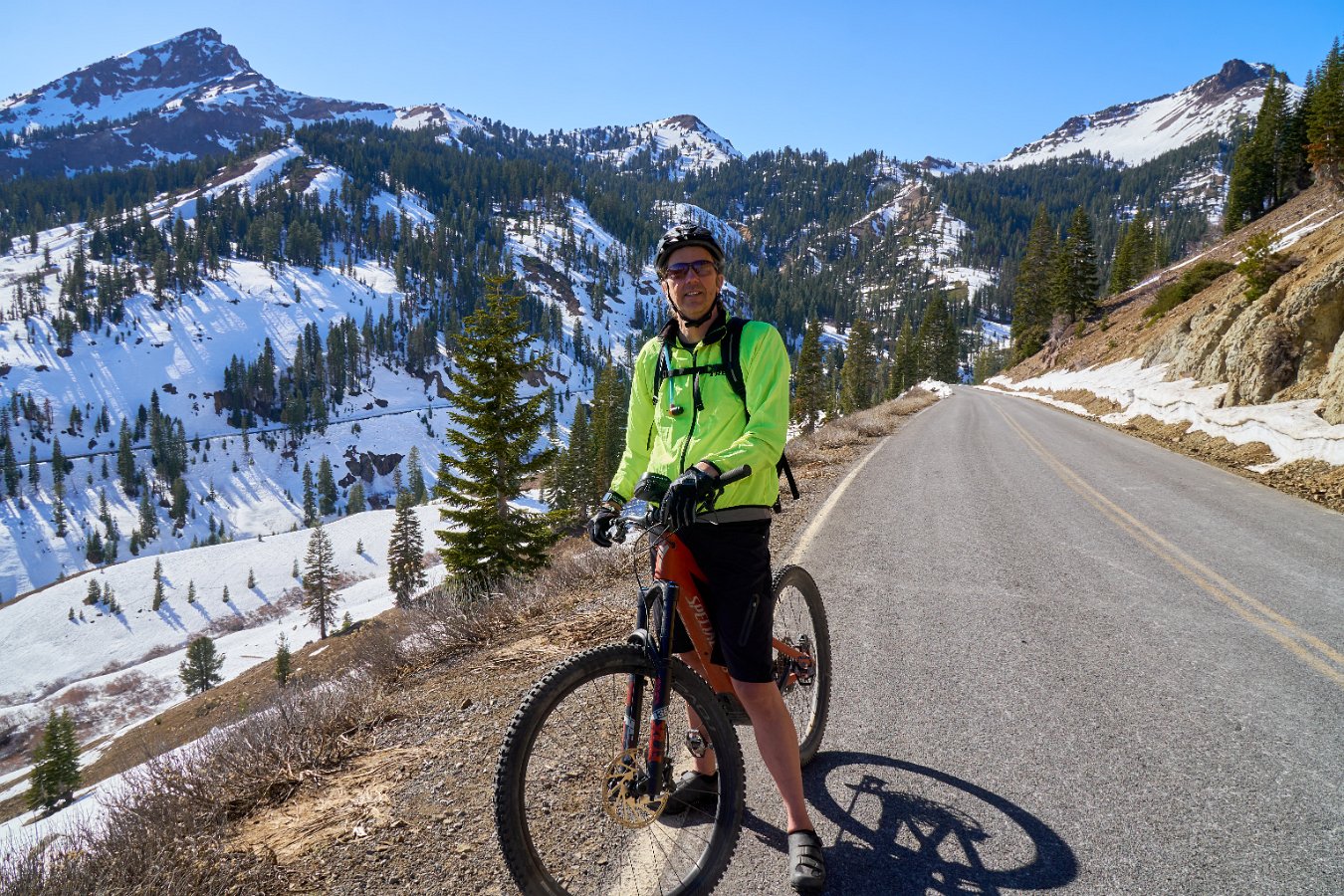
The highway through Lassen was still closed to vehicles as they continued to clear the snow but open to biking which made a lovely ride to the top from the southwest entrance. We made two attempts at hiking the Chaos Crags trail on the other side of the park (after getting caught in a thunder and hail storm) and pushed past the still snow covered road to check out the Fantastic Lava Beds area.
Click through for the full gallery:

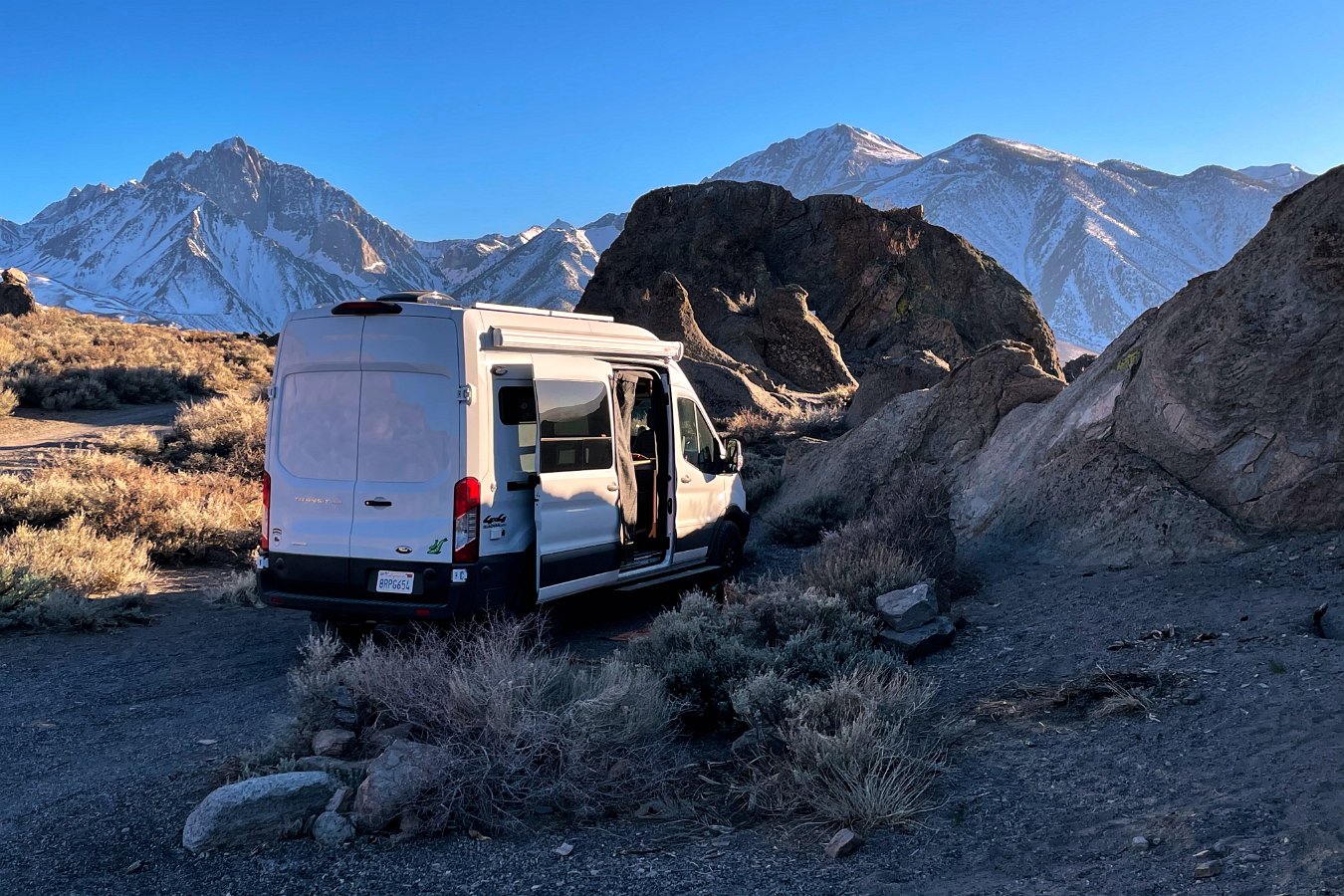
Darlene and I loaded up the cats and the camper van in late March and headed out for an extended, month-long trip. After a few days of skiing at Alpine and Homewood from the Tahoe house, we headed down to Bishop and Mammoth for some more skiing, as well as mountain biking and other exploration in the surrounding area for a few weeks while camping out on public lands.
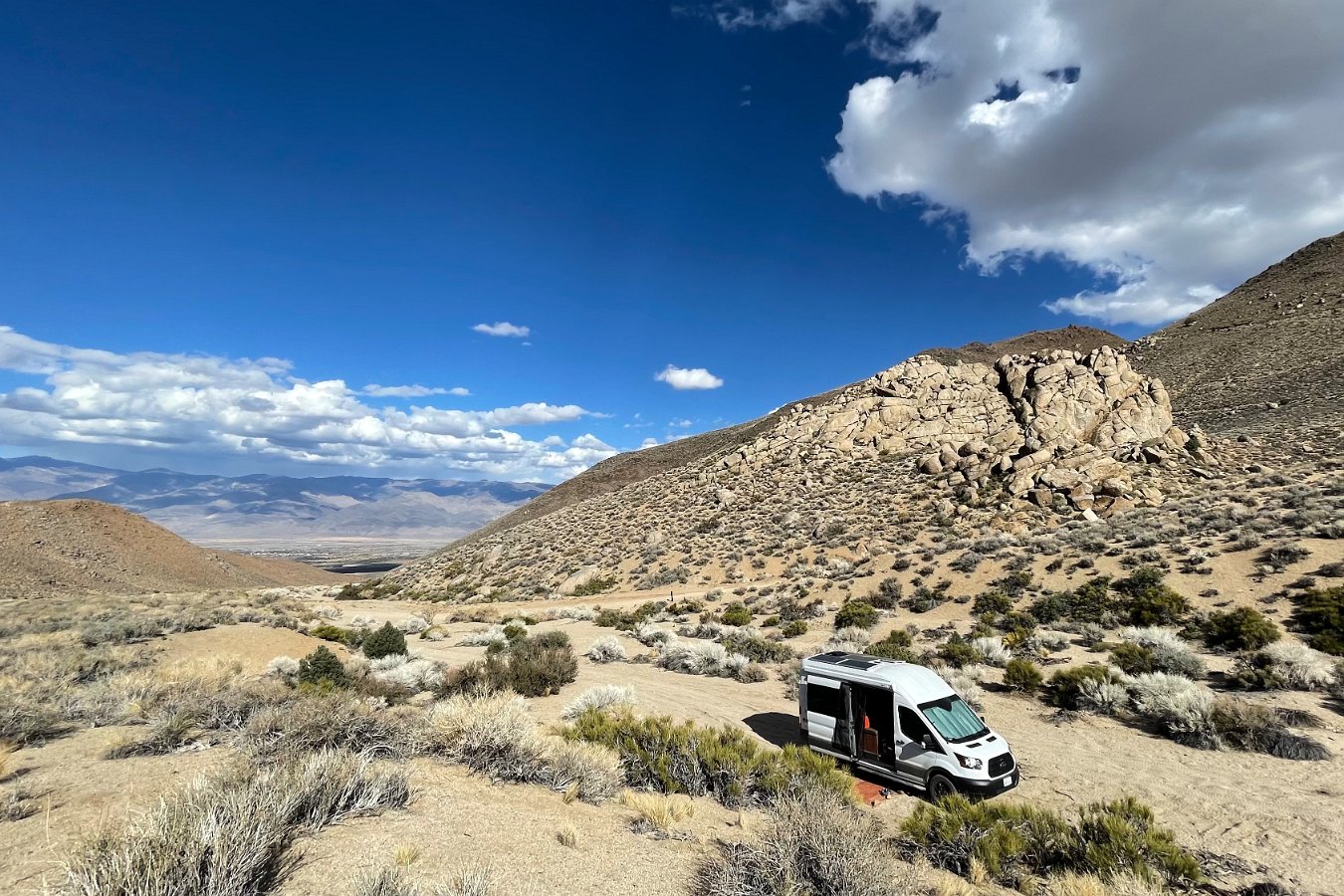
We biked around the Mono Craters area, found a nice wading pool just outside the now closed off Mammoth Hot Springs, hiked up to the still frozen South Lake and bailed out of a swim in the still-quite-cold Owens River near Bishop.
Despite all the time I’ve already spent in the Eastern Sierra (including attending high school in Bishop), we managed a few new adventures like biking up Coyote Valley Road, skiing at June Mountain, visiting the exposed “tuff” formation along Crowley Lake, winding through Chidago Canyon, visiting the petroglyphs along Fish Slough Road, and finding an eagle’s nest (with chicks!) in the Owens River Gorge.
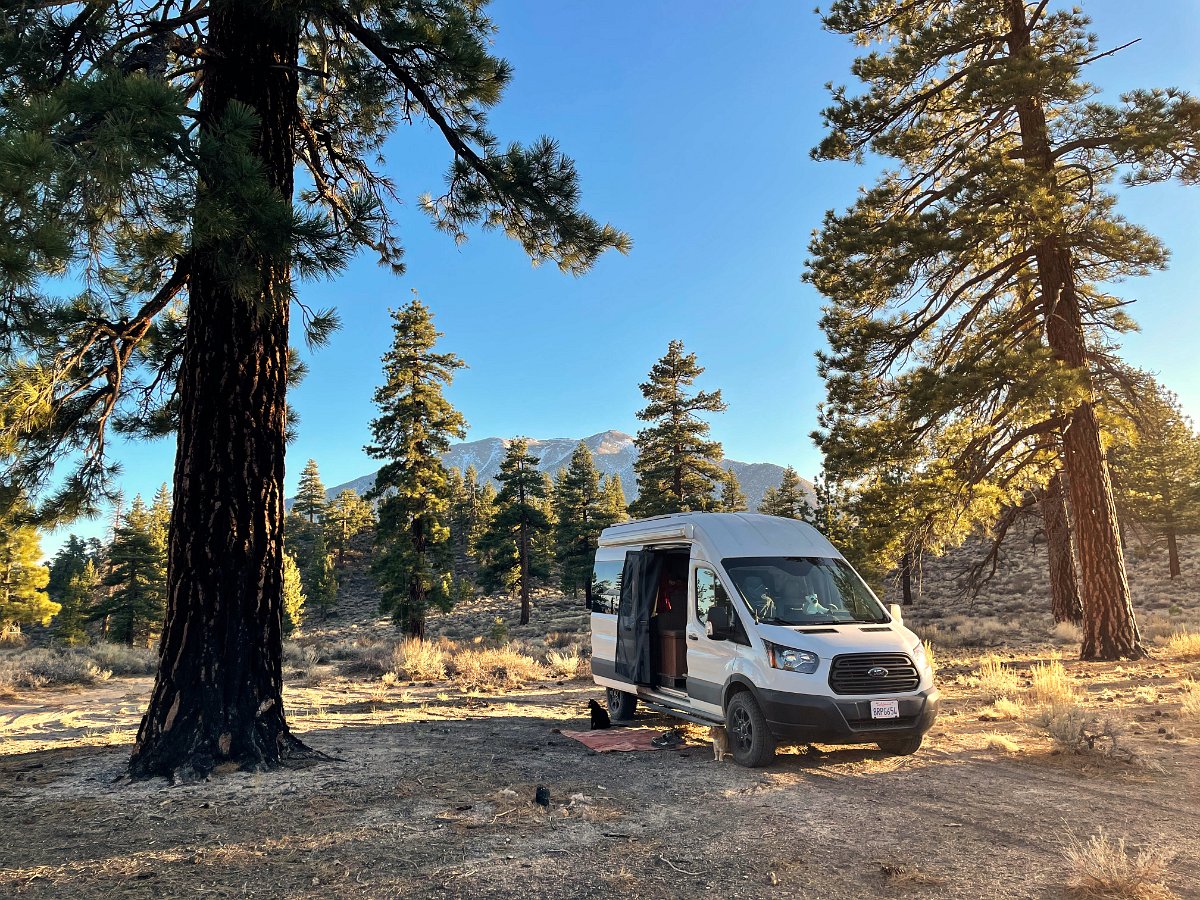
In mid-April, it looked like a bit of snow was going to mostly hit the Tahoe area, so we headed back up to Tahoe for a few days to catch a bit of it before heading out again and north to Lassen.
Oh yeah, and we broke the van on a particularly rough road near Mono Craters – started hearing clunking noises from what turned out to be a very badly installed anti-sway bar.
Click through for the full gallery:
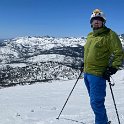
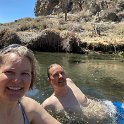
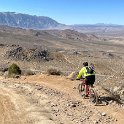
While wandering the Eastern Sierra around Bishop and Mammoth, Darlene and I came across a high vantage point along the Owens River Gorge overlooking a bald eagles nest – with chicks! We came back the next morning and waited around a couple of hours – long enough to see the second parent eagle bring back a meal to feed the chicks:

Virtual reality is… freakin’ amazing. (At least with the new, very high resolution HP Reverb G2… see my hardware details below.)
Let me try some words first…
It’s a truly astounding and engrossing experience – an incredible, brain-fooling trick: you put on the headset and immediately you feel like you are physically somewhere else. Rationally you know that you’re still sitting or standing in your room at home, but as you look around and up and down and see and hear this entirely different environment, rendered perfectly in sync with your head movements, it’s utterly convincing that you’re somewhere else. Maybe you’re standing on top of Mt. Everest or hanging in space over the Earth. It’s not at all like looking at a screen, or even a 3D movie. It’s like being somewhere else.
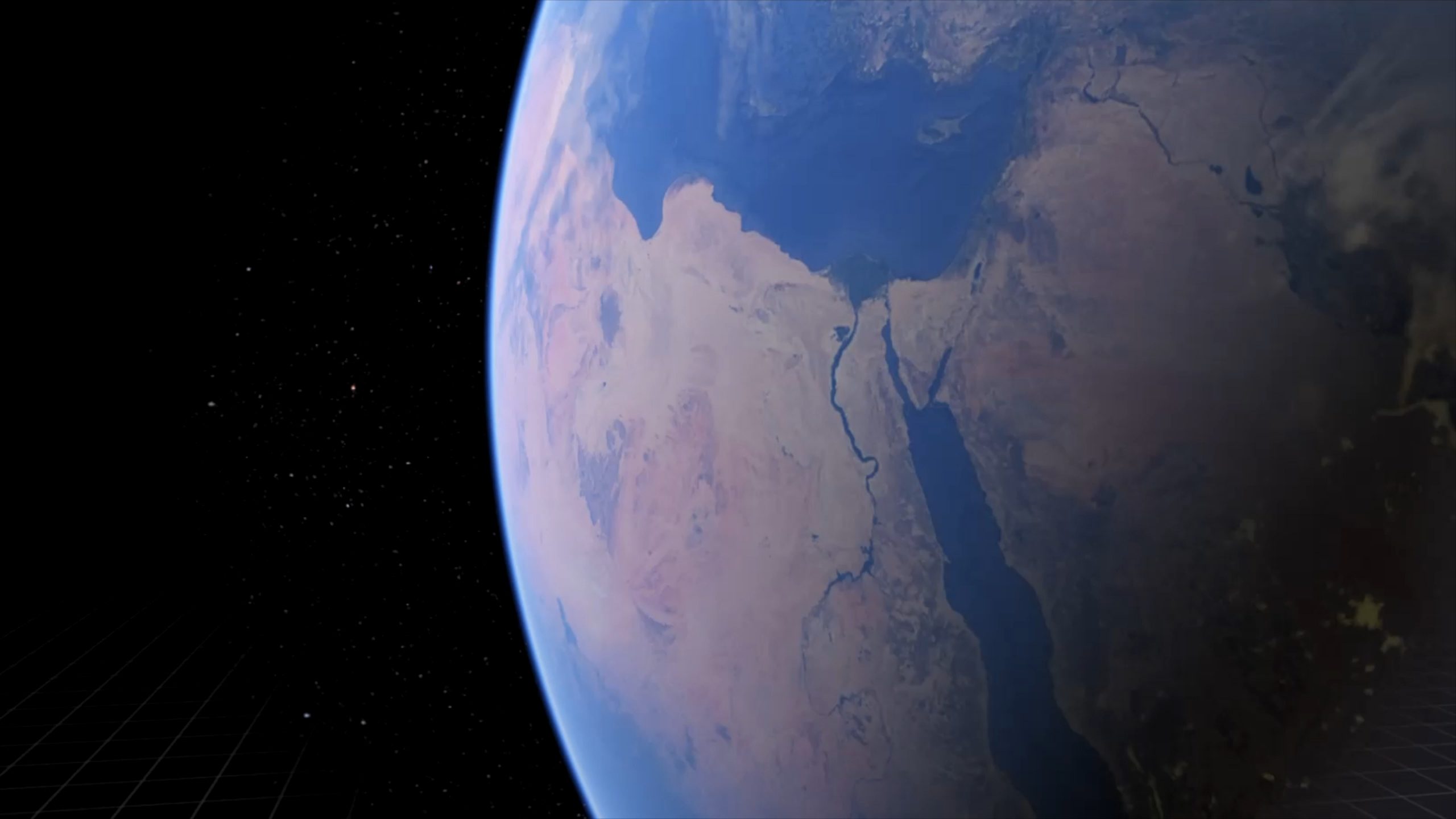
Yes, you’re wearing this contraption on your head. Yes, you know you can just remove the headset and see again the room you’re really in. And yet, part of your brain is fooled. You hold up your hands in front of your face and you see a virtual set of hands and they move and turn in sync with your physical hands. Just standing and turning around makes you feel like you’re there but then you take some steps, some actual physical steps in the real world – and you find yourself moving in this virtual world. It suddenly becomes all the more convincing and all the more of your brain is fooled.
You crouch down and look around and your perspective changes to match. You reach down and “pick up” an object off the virtual floor. You can’t feel it but you can turn it over in your hands, and can set it on a table or throw it across the virtual space with a simple, natural motion. You step to the edge of a balcony and look over the side and feel the threat of vertigo. You turn away and approach a door, reaching out for the handle and physically pull the door open, looking into the next room. It’s dark as you step inside, so you take out your flashlight and shine it left and right into the corners of the room, trying not to be caught by surprise.
You see a zombie wake and turn towards you, moaning and shambling towards you. He’s just a dozen virtual feet away as you grab your pistol and raise it to fire – discovering you’re out of ammo. Unlike any game played on a flat screen, you feel like you’re actually in the same space with this menace bearing down on you. You have to resist the instinct to physically back away – or to turn and run in panic, yanking out the cord between your headset and computer. Instead you hold your ground, reminding yourself that this creature so clearly coming at you isn’t real. You eject the empty magazine and physically reach over your shoulder with your other hand to grab a new clip out of your virtual backpack, slip it into the gun, pull back on the slide – not button presses mind you, but physical hand gestures – and then quickly aim (actually raising your arm, no thumbstick or mouse movement) and let off several shots at the zombie to fell it. And yeah, don’t be surprised to feel an elevated pulse or quickened breath after dealing with an intense scene. The immersion is just crazy amazing. And it’s really easy to forget yourself and try to lean on a bannister or a table and get a sudden rude reminder that there’s nothing really there to support you.
Of all your senses, most notably touch is missing. You can’t feel the wall or door that blocks your way, objects that you pick up have no weight to them and what you always feel underfoot is the familiar floor of your home. Each of these do break the illusion, remind you that you’re in a simulation. But just sight, sound and natural physical gestures go a long ways to providing an amazing array of virtual experiences: from defending a castle against animated invaders by shooting arrows with a virtual bow to using a giant slingshot to aim and launch talking cannonballs for maximum destruction in a giant warehouse in Valve’s The Lab, sitting in the cockpit of various airplanes, flying over detailed renderings of any part of the entire world and through live simulated weather in Microsoft’s new Flight Simulator, exploring the frightening dystopian world of Half-Life: Alyx, fighting off walking zombies and leaping headcrabs, or simply walking around the Mos Eisley Cantina from Star Wars or the streets and shops of Stormwind from World of Warcraft.
Okay, how about some video…
I’ve been blown away by what it’s like to experience virtual reality right now and I’ve been itching to share the experience with friends over the past few months, but of course we can’t get together with the pandemic still going strong. So I’ve put together a video to share some of the experiences – even though a video can’t come anywhere close to conveying what it’s like to actually be immersed in virtual reality. It’s the same difference as actually physically being somewhere versus watching a video recording of someone else being there, but here goes anyway:
A collection of VR experiences
What I demonstrate in that video is the default Steam VR home environment, Google Earth VR, MS Flight Simulator, Valve’s The Lab, Half Life: Alyx, I Expect You to Die, Superhot VR, a World of Warcraft environment and a bunch of Steam VR environments: Enterprise bridge, Hobbit house, Mos Eisley Cantina, Sno Champ and a robot boxing ring.
There’s still so much more to try though: Asseto Corsa car racing sim, Star Trek Bridge Crew co-op simulation, The Room VR puzzle game, Elite Dangerous space sim, The Climb 2 extreme climbing game, Earthlight NASA Spacewalk sim, Keep Talking and Nobody Explodes cooperative challenge, DCS World WWII flight battle sim, Fruit Ninja VR, Star Wars Squadrons space sim, No Man’s Sky, Fallout 4 VR, Borderlands 2 VR, Detached puzzle sim in space, Down the Rabbit Hole puzzle adventure, some short Portal-based experiences, lots of interesting environments to explore, etc.
See more here about Microsoft’s new Flight Simulator: Flying All Over the Planet
It was the promise of VR with Microsoft’s new Flight Simulator that pushed me to look into getting a proper PC-based VR system. I’ve tried a couple of inexpensive headset shells in the past that let you use your phone’s display and it’s motion tracking ability to get a taste of VR, but that was nothing like this.
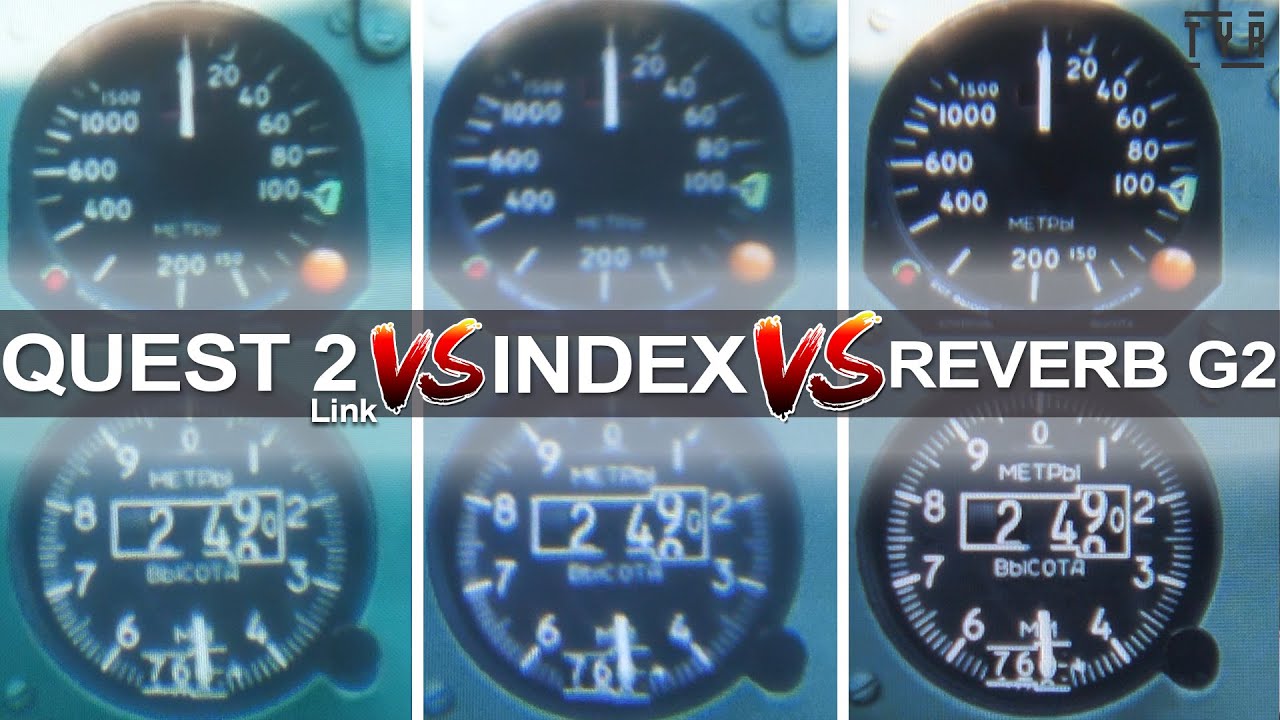
What I decided to buy was the new HP Reverb G2 based on its incredibly high resolution displays: 2160 x 2160 for each eye. The result is that you can’t see the pixels or any sort of “looking through a screen door” effect and the image quality is much improved over older headsets, particularly in the center portion of your view.
That’s a challenge with all VR headsets though: the need for lenses to project the image so that your eyes are focusing on an image a meter or two away rather than the actual physical display that’s only a couple of centimeters away. This lens introduces chromatic distortions that make the outer areas much less clear than the center portion. In addition, to leave room for eyeglass wearers, the lenses and displays need to be mounted a little bit away and this in turn limits the apparent field of view. You end up feeling like you’re looking through ski goggles or some very wide binoculars. Different headsets will make different trade-offs in lens quality and field-of-view versus expense. HP here has managed to get some very high resolution displays with decent lenses into a fairly inexpensive full kit.
The audio on this headset is great too, borrowing the speaker design from Valve’s more expensive Index headset: the speakers sit completely off of your ears, unlike headphones, adding to the overall comfort.
The Reverb’s controllers are a bit of a compromise though: in order to eliminate the need for externally mounted tracking modules, the Reverb G2 has four outward-facing cameras to track the position of the controllers. It works okay, but it definitely has blind spots and can’t always tell where the controllers are. Plus these Windows Mixed Reality-style controllers aren’t able to track individual finger positions like the Valve Index controllers. Even better, the Index controllers strap around your palm, leaving you free to make grasping motions without having to hold on to the controllers.
I’m using the HP Reverb G2 with my 2019 16″ MacBook Pro and an external GPU case, first for a 5700 XT but now a 6800 XT, one of the latest high-powered graphics cards. To use the Reverb, I have to boot into Windows (via Boot Camp, doesn’t work under Parallels) but it works well and provides access to all of the many Steam VR-compatible titles as well as Oculus/Rift-exclusive titles via Revive.
I’ve now had the opportunity to try the older and more expensive Valve Index system. It has a much lower resolution 1440 x 1600 for each eye and it definitely shows in comparison to the Reverb G2. There’s a fairly obvious “screen door” effect where you can see the fine grid of pixels and things just aren’t as clear and crisp. On the other hand, it can display a wider field of view than the Reverb G2, which is nice. It was also interesting to discover that the Reverb G2 is more comfortable to wear than the older Valve Index. It’s lighter and more secure on your head without being tight and it doesn’t cramp your nose. One thing I prefer on the Valve Index though is the ability to adjust the field-of-view by turning a dial to move the lenses closer or farther away.
The Valve Index depends on a set of external base stations to track the controllers and help track the headset – which certainly isn’t as convenient as systems that do “inside out” tracking from the headset itself. In addition, I wasn’t aware that the base stations emit a constant high frequency whine. Initially this was very bothersome but this seems to have improved with a firmware update and isn’t noticeable anymore.
It’s actually possible to hack together a system for using the Valve Index controllers with other headsets (like my Reverb G2). This can give you better hand tracking and full finger tracking but it’s pretty fiddly and requires a lot of setup – plus I’ve found that the training and calibration that allows this hack to work can get messed up and require reconfiguring things all over again. At times I’ve gotten frustrated with trying to make it work and just gone back to the original Reverb G2 controllers, no hacks or calibration required.
I just tried out this new deep learning tech, Deep Nostalgia, on a couple of old photos of our parents. You give it an old still photo and it generates a “Live Photo” animation from it – pretty freaky:


After the long delay in building out the van due to Covid-19 shutdowns, keeping indoors from the widespread smoke and wildfires, dealing with several pet health issues (and emergency), then more Covid lockdowns across the state, we were finally able to take the Traveling Cat Adventure Van (II) out on a week-long maiden voyage. We headed south to Joshua Tree National Park and the Mojave National Preserve, away from the storms and snow in the mountains.


All the campgrounds across the state had been closed until recently and not surprisingly, all the campgrounds were already booked up in Joshua Tree and the first-come, first-serve sites filled by Thursday afternoon when we arrived. Not a big deal though as there is dispersed camping allowed in the BLM land just north of the park in and around the Coyote Lake dry lake bed. As the nearest national park to the greater Los Angeles area, Joshua Tree was already fairly busy on Friday but turned crazy busy on Saturday so we moved on to the much quieter and deserted Mojave National Preserve on Sunday.

The van proved to be super comfortable and worked well for the two of us and the cats, including having to hunker down multiple nights in the midst of heavy wind storms. We can easily see spending any amount of time (weeks or months) traveling and living out of the van. And with the smaller size, it’s so nice to be able to easily go and park anywhere, unlike the previous 25-foot Leisure Travel Vans RV.


Click through for the full gallery:


In mid-January, we migrated up to Tahoe to spend a few weeks in the snow. Darlene didn’t feel up to skiing with her current hip and ankle issues so I was just skiing solo, going out every other day while she kept busy at the house.
All of the resorts have implemented rules to keep folks from spreading the virus, like face coverings and social distancing around the lifts and resort, but of course you still see the usual sampling of not helpful behaviors. I went to Alpine Meadows and Squaw Valley on the quiet mid-week days and Homewood on busier days – around weekends and fresh powder days – so it was possible to avoid lift lines and sharing lift chairs. (Sharing a six-person chair with one other rider seemed fine though.) I planned on Northstar a couple of times, but one day the pass was closed due to a big rig slide out and the other day I saw how the required parking lot bus was loading up with people and decided to go elsewhere – plus it would seem that they’re insisting on loading solo riders every other seat on the chairs. I’m not so keen on that despite the open air.

Started out with limited snow and seriously hard frozen stuff anywhere off the groomed runs from several weeks of warm weather but happily we then got a cold front and multiple heavy snows (5+ feet) over a week or two. Lots of powder to play in. Meanwhile, back at the house, we “relocated” a series of squirrels over a couple of weeks but I’m not sure we’ve caught the culprits living inside the vaulted ceiling.


